
How to Make a Victoria Secret AI Runway Video
EDITORIAL GUIDE · UPDATEDUnderstand the photo-to-runway process, costs and the checks to make before creating.
Choose a runway look
Start with the silhouette rather than a model name. White Angel is designed around white feather wings and a complete shimmering gown. Garden Fairy uses green couture and botanical shapes. Pink Blossom places sculptural petals around the shoulders. The collection illustrations show creative direction; they are not evidence of a generated result. Before spending a credit on an available workflow, check an actual example and read its confirmed specifications.
Prepare your photo
Choose one consenting adult with an unobstructed face, natural lighting and enough space around the shoulders. Avoid group portraits, sunglasses and heavy beauty filters. The local photo checker accepts genuine JPG, PNG or WebP files up to 10 MB, with a longest side from 512 to 6000 pixels. These are file-preparation rules, not a promise that every accepted image will generate a good result. Replace a difficult photo before continuing.
Create your video
Add your portrait, review the look and confirm adult status and image permission. Sign-in is available through the account dialog. Photo preparation keeps your draft in this browser during that step. A personal video is intended to consume one paid video credit. A credit pack is a one-time purchase rather than a recurring subscription. Compare current credit packs on the pricing page and review the cost shown before confirming a generation. Choosing a file alone does not start a paid call.
Download and share
Review the completed video before downloading. Check the selected workflow for duration, resolution and sound. The White Angel example below is one actual image-to-video test using a fictional adult portrait: 720 × 1280 pixels, 8.0417 seconds and no audio. It creates an original scene without a show-video motion reference. Do not treat a concept image as a video preview or assume that an input photo determines the final appearance exactly. Only share a result when you have permission to use the portrait and its contents.
Fix common problems
An unsupported-format error means the file contents or MIME type do not match an accepted format; changing the extension is not a conversion. A decode error usually calls for exporting a fresh file. If a file is too small, return to the original photo rather than enlarging a blurry thumbnail. AI identity, outfit and motion differences can still happen after technical input checks. A confirmed task failure and a result still being reconciled are different states. Credit returns must follow a recorded ledger update, while cash refund requests are separate.
One portrait, one actual White Angel result
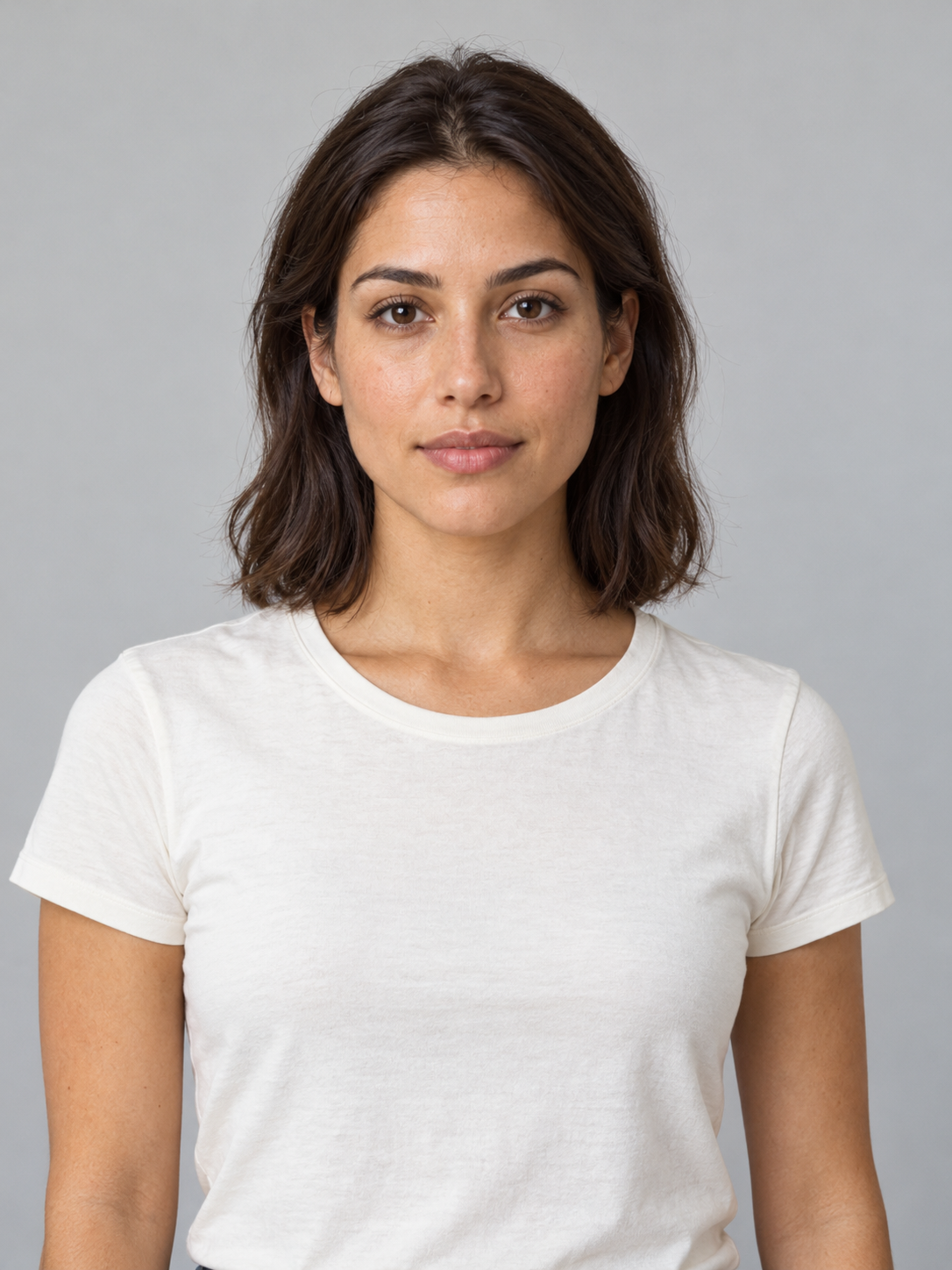
Actual White Angel test · 720 × 1280 · 8.04 seconds · no audio. One synthetic adult portrait, one original scene; not a recreation of a show clip.
The test produced a silver mini dress and sheer overskirt rather than the intended complete-gown direction. Late wing tips approach or cross the frame edges; identity fidelity and the final pause remain unverified. Garden Fairy and Pink Blossom have no equivalent test yet.
Explore your next look
White Angel · Garden Fairy · Pink Blossom
Explore White Angel →